How to Get Your Alpaca API Keys
Follow this step-by-step guide to connect your brokerage account and start copy trading with OptionsKings.
Why Alpaca?
Commission Free
No fees on trades
Fast Execution
Real-time trades
SEC Regulated
FINRA member
Paper Trading
Test risk-free
Create an Alpaca Account
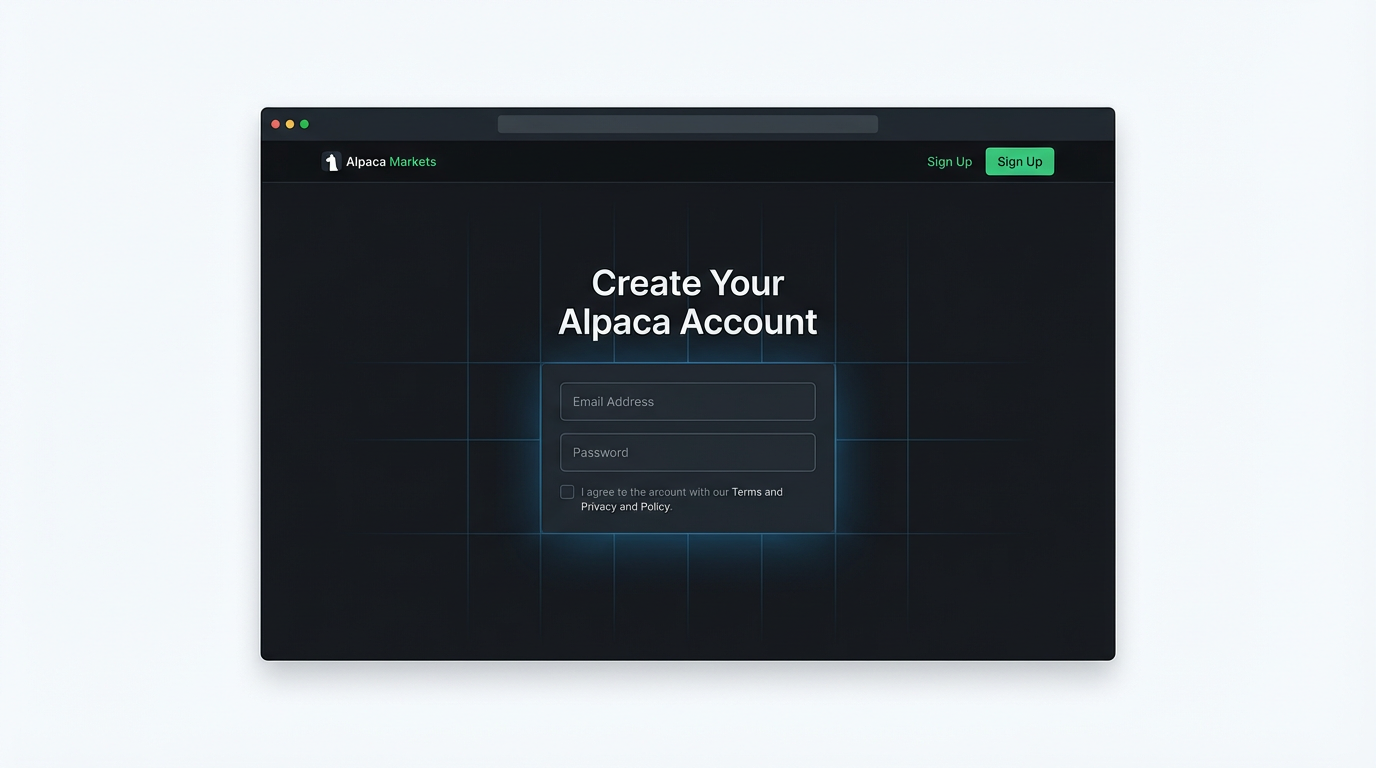
First, you'll need to create a free Alpaca account. Alpaca is a commission-free stock trading platform that allows automated trading through their API.
- Go to alpaca.markets
- Click "Sign Up" in the top right corner
- Choose "Individual Account" for personal trading
- Complete the registration with your email and password
- Verify your email address
Enable Paper Trading (Recommended)
Start with Paper Trading
We strongly recommend starting with paper trading to test the copy trading system without risking real money.
Paper trading gives you $100,000 in virtual money to practice with. Once you're comfortable, you can switch to live trading.
- Log into your Alpaca dashboard
- Look for the "Paper Trading" toggle in the top navigation or sidebar
- Make sure Paper Trading is enabled (toggle should be ON)

Generate Your API Keys
Now you'll generate the API keys that allow OptionsKings to execute trades on your behalf.
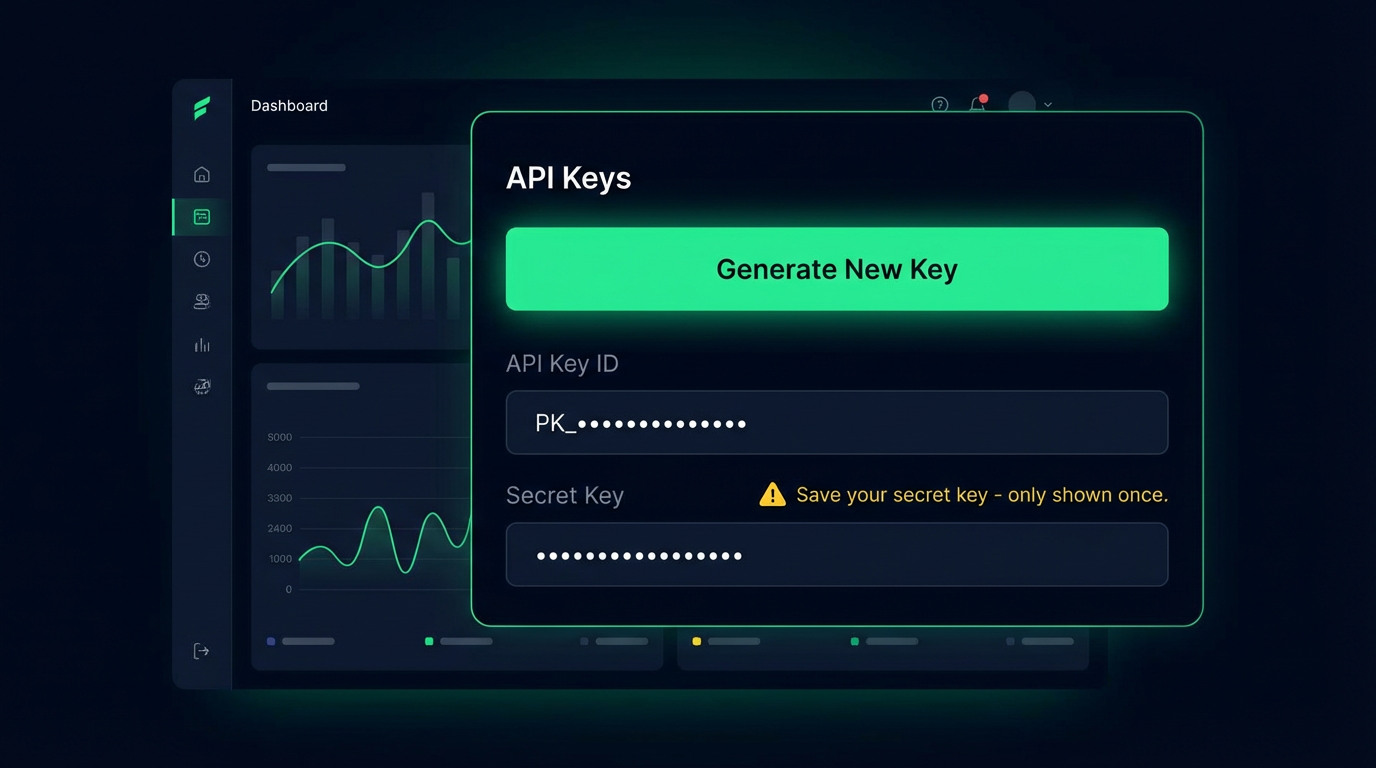
- In your Alpaca dashboard, click on your account icon (top right)
- Select "API Keys" from the dropdown menu
- Click "Generate New Key" or "Regenerate"
- You'll receive two values:
PKXXXXXXXXXXXXXXXXXXStarts with "PK" for paper, "AK" for live
••••••••••••••••••••Only shown once - save it securely!
Important: Save Your Secret Key
The Secret Key is only shown once when generated. Copy it immediately and store it somewhere safe. If you lose it, you'll need to generate a new key pair.
Connect to OptionsKings
Now that you have your API keys, connect them to OptionsKings to start copy trading.
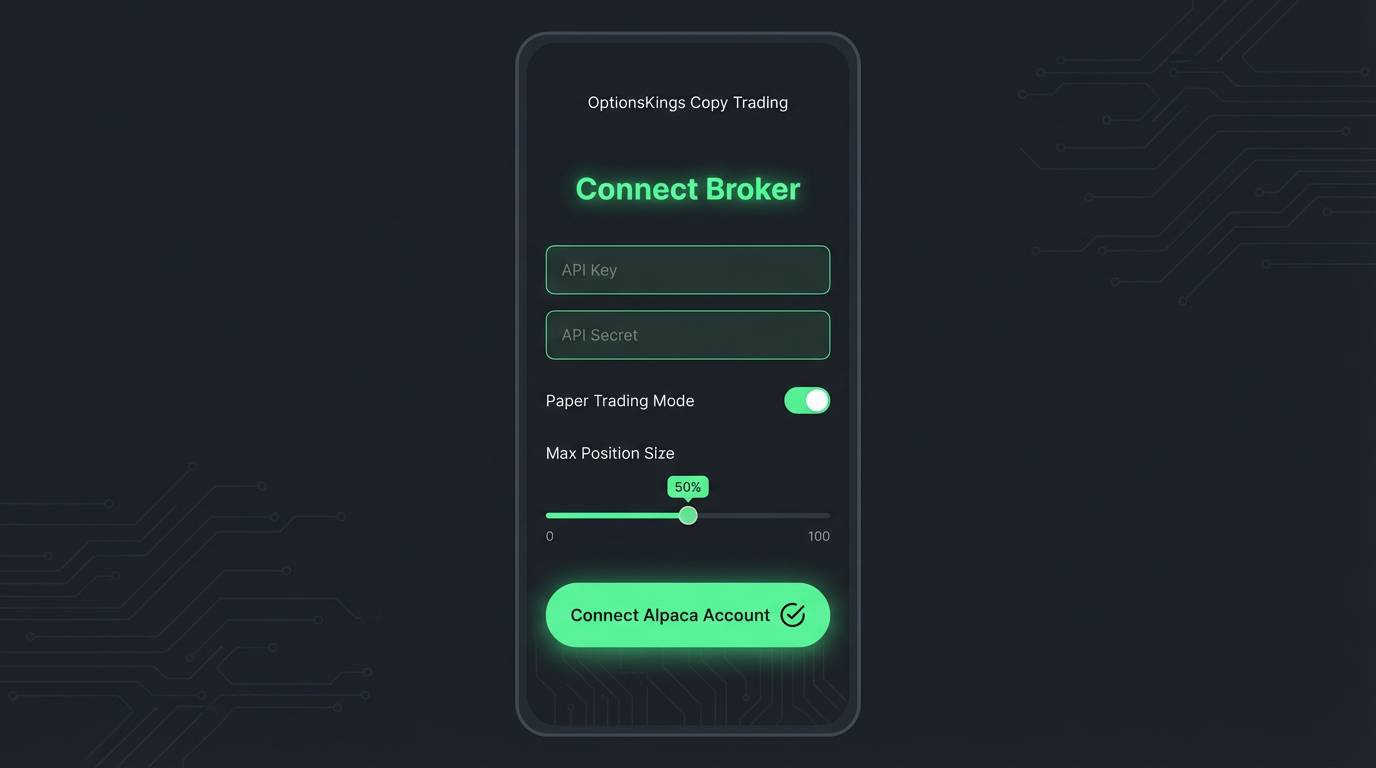
- Go to the Copy Trading page
- Enter your API Key ID in the first field
- Enter your Secret Key in the second field
- Toggle "Paper Trading Mode" ON if using paper trading keys
- Set your Max Position Size (recommended: 5-10%)
- Click "Connect Alpaca Account"
Frequently Asked Questions
Is my money safe?
Yes. Your funds stay in your Alpaca account at all times. We never have access to withdraw your money - only to place trades. Alpaca is SEC-registered and a FINRA member, with SIPC protection up to $500,000.
Can I revoke access?
Absolutely. You can disconnect your account from OptionsKings at any time, or regenerate your API keys in Alpaca to immediately revoke access.
What's the difference between Paper and Live trading?
Paper trading uses virtual money ($100,000) to simulate real trades without risk. Live trading uses your actual deposited funds. We recommend starting with paper trading to test the system.
How do I switch from Paper to Live trading?
Generate new API keys from your Live trading account in Alpaca (toggle Paper Trading OFF), then update your keys on the Copy Trading page. Make sure to turn off "Paper Trading Mode" when connecting.
What is Max Position Size?
This limits how much of your account can be used for any single trade. For example, 10% means if you have $10,000, the maximum trade size would be $1,000. This helps manage risk.